Opera
Opera is a free web browser for Windows from Opera Software. The stable release is 136.0.6008.22, published on 17 September 2026.
133.1 MB

Mullvad Browser is a free privacy-focused web browser from Mullvad and the Tor Project, based on Tor Browser but used without the Tor network.
Average 0.0 · ratings: 0
Thank you! Your rating is saved; you can change it. Could not save the rating. Please try again later. Too many ratings from your network today. Please try again tomorrow. The average appears after 5 ratings.
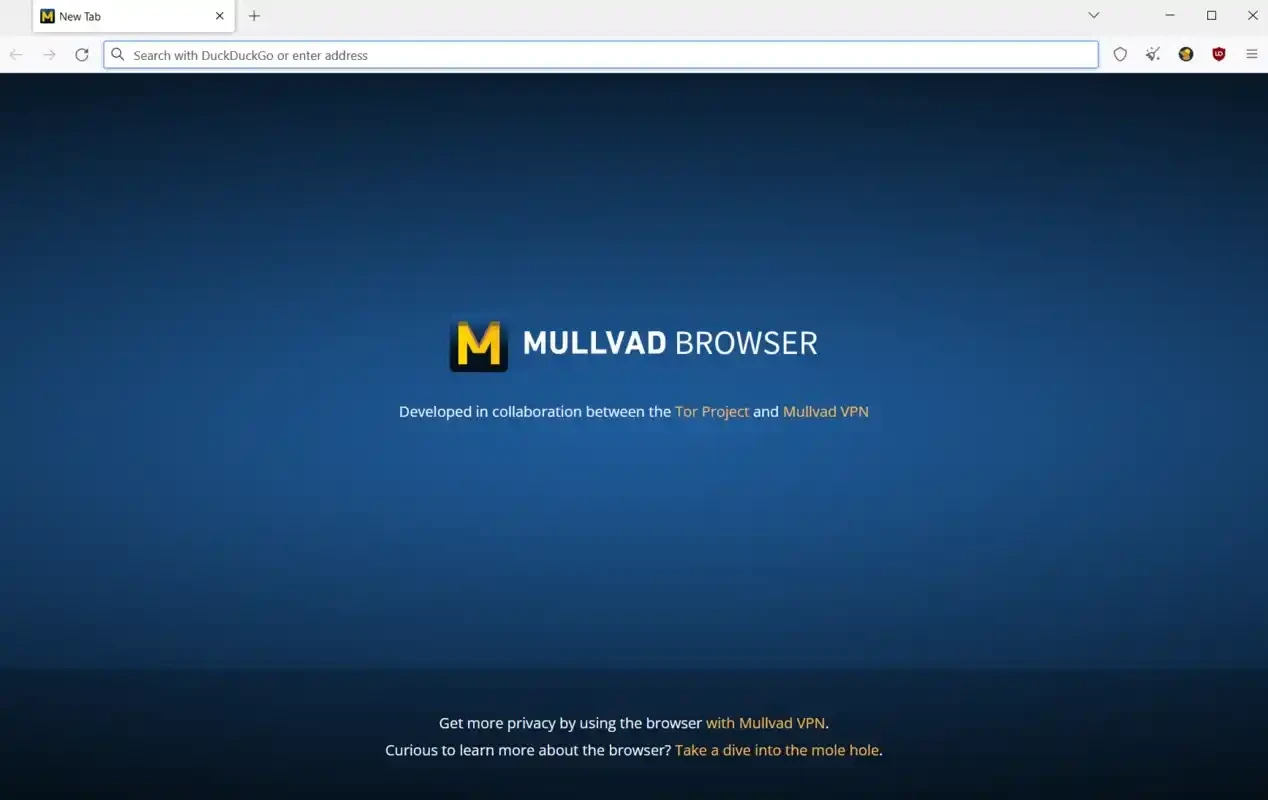
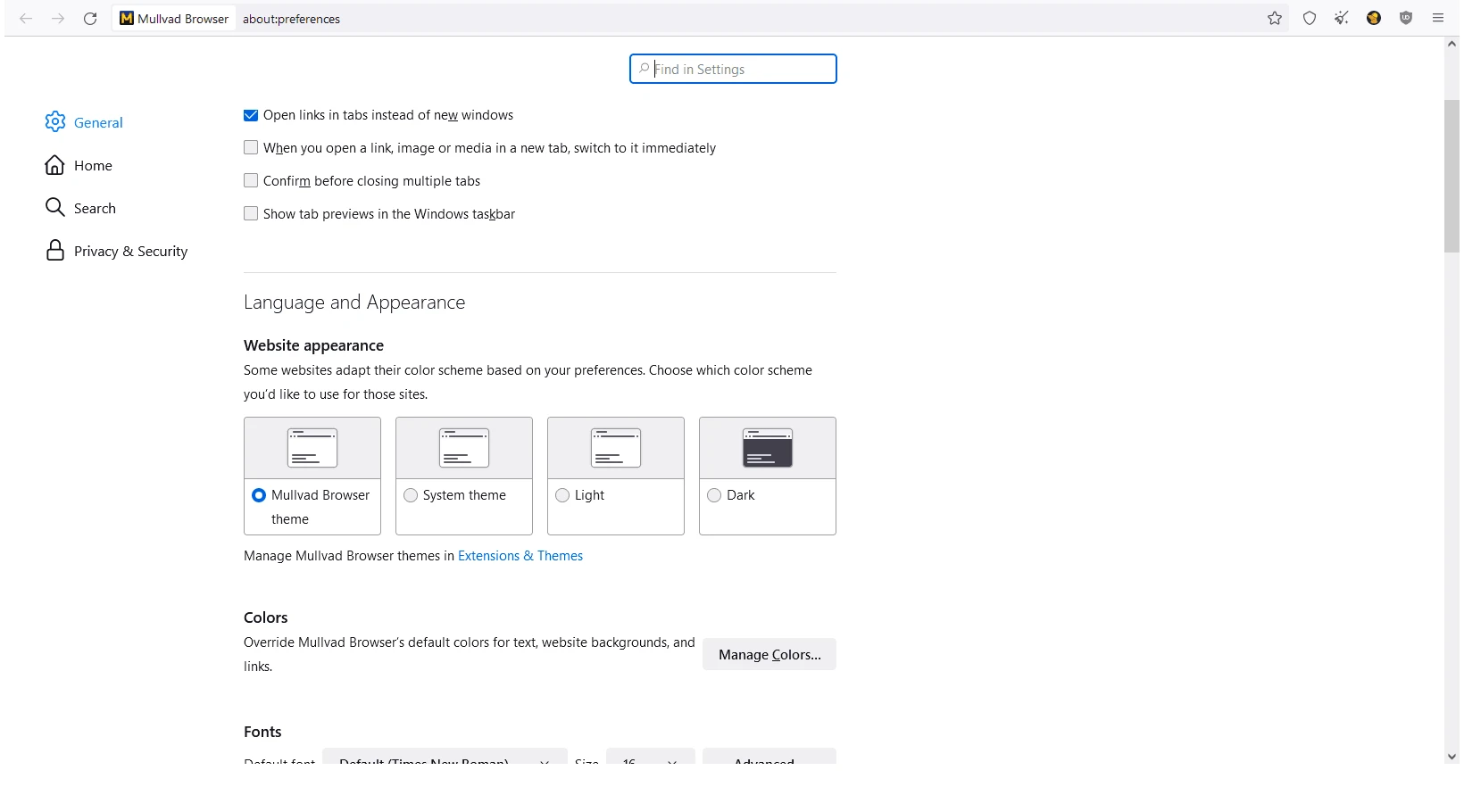
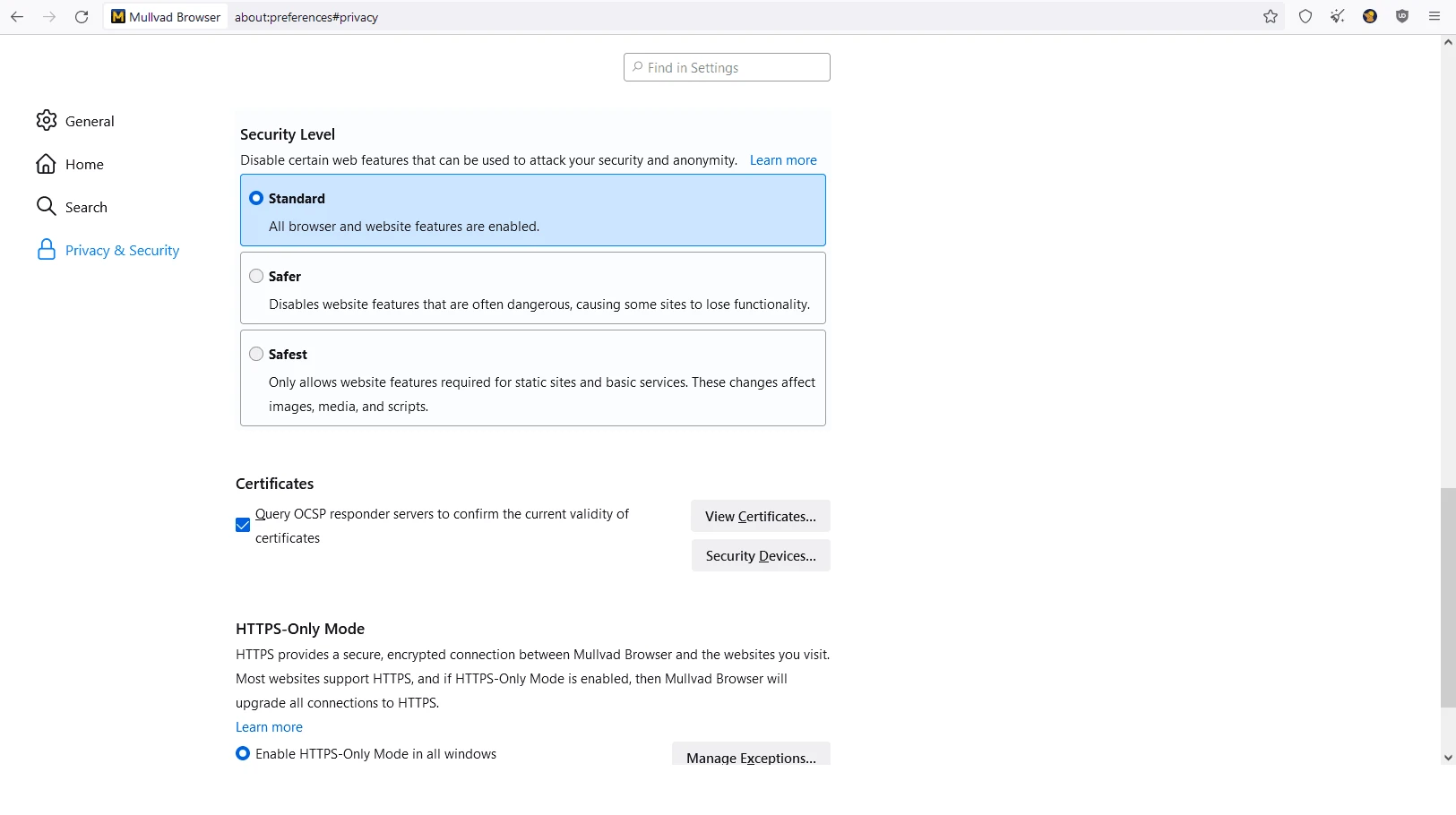
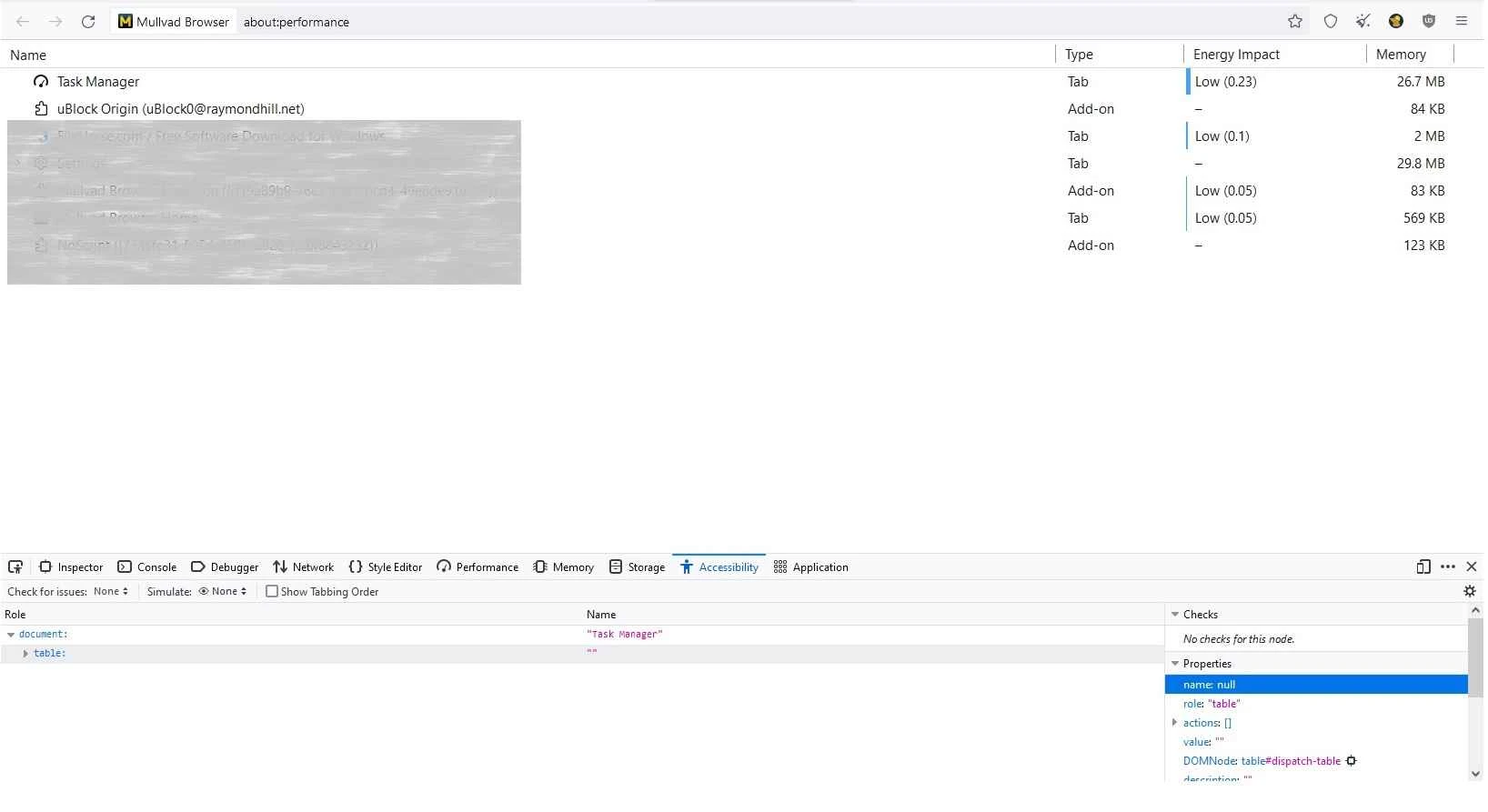
Mullvad Browser 15.0.21 is a free, privacy-focused web browser developed by Mullvad together with The Tor Project, Inc. It is based on Tor Browser and shares its protections against tracking and fingerprinting, but connects to the internet directly or through a VPN of your choice instead of the Tor network. The browser is open source under the Mozilla Public License 2.0, and you can download Mullvad Browser for Windows from mullvad.net.
Mullvad Browser is aimed at people who want strong protection against online tracking without the slowness of the Tor network. Ordinary browsers can be identified by a combination of small details: installed fonts, screen size, time zone, graphics card behaviour and more. Advertisers and data brokers use that fingerprint to follow you across sites even without cookies. Tor Browser counters this by making all users look alike, and Mullvad Browser brings the same approach to everyday browsing. It works well together with a trustworthy VPN, which hides your IP address while the browser hides everything else. It suits journalists, researchers and anyone who does not want their browsing profiled. It is less convenient for people who rely on many extensions, custom themes or saved logins across sessions, because the browser deliberately resets and standardises much of that. You do not need a Mullvad VPN subscription to use it. Sites that depend on heavy tracking may occasionally break or ask for extra verification.
| Item | Details |
|---|---|
| Version | 15.0.21 |
| Earlier releases | 15.0.12 (May 7, 2026), 15.0.14 (May 19, 2026), 15.0.16 (June 18, 2026) |
| Developers | Mullvad and The Tor Project, Inc. |
| Platforms | Windows, macOS, GNU/Linux |
| Licence | Mozilla Public License 2.0, free |
| Size | about 92.10 MB according to catalogue data |
The source code is on GitHub, and development news appears on the Mullvad blog, for example the post on the alpha moving to Firefox rapid release.
Tor Browser adds the Tor network for anonymity. LibreWolf and Brave Browser are other privacy-oriented browsers in our listings, and Mullvad VPN pairs naturally with this browser.
Opera is a free web browser for Windows from Opera Software. The stable release is 136.0.6008.22, published on 17 September 2026.

UC Browser for Windows is the desktop version of the web browser from UCWeb, a Chinese mobile internet company.

Google Translate is Google's multilingual machine translation service, used on Windows through the website and a browser extension.

Microsoft Edge is Microsoft's web browser, preinstalled on current Windows versions and available as a free download for reinstalling or updating.

Mozilla Firefox is a free and open-source web browser developed by Mozilla, available for Windows, macOS, Linux, Android and iOS.

Google Chrome is the free web browser from Google. The stable Windows release is 154.0.8037.58, out since 22 September 2026.

Cent Browser is a free Chromium-based browser for Windows from Cent Studio that adds mouse gestures, tab tweaks and other power-user options.